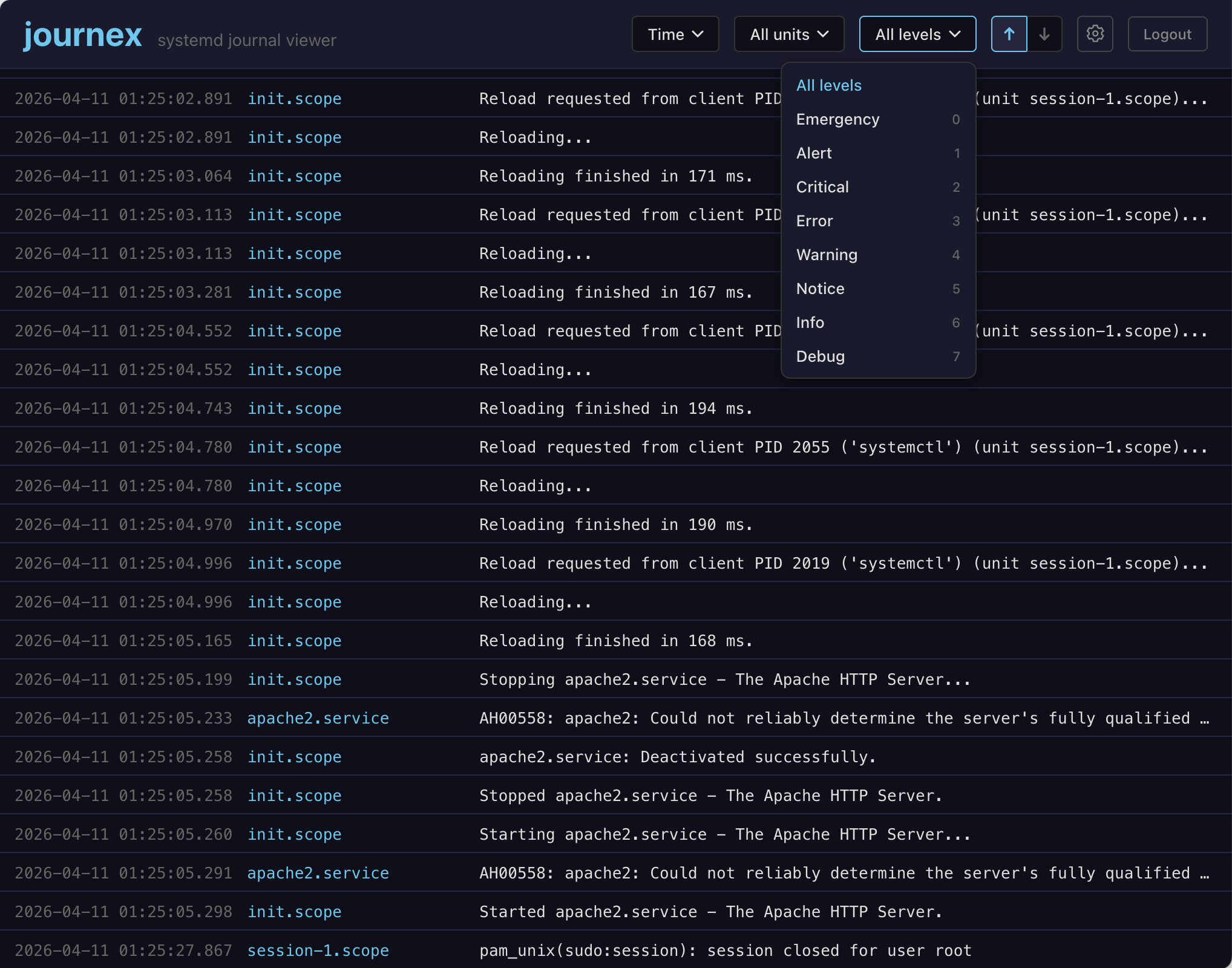
Journex - systemd journal viewer
A downloadable tool for Linux
journex
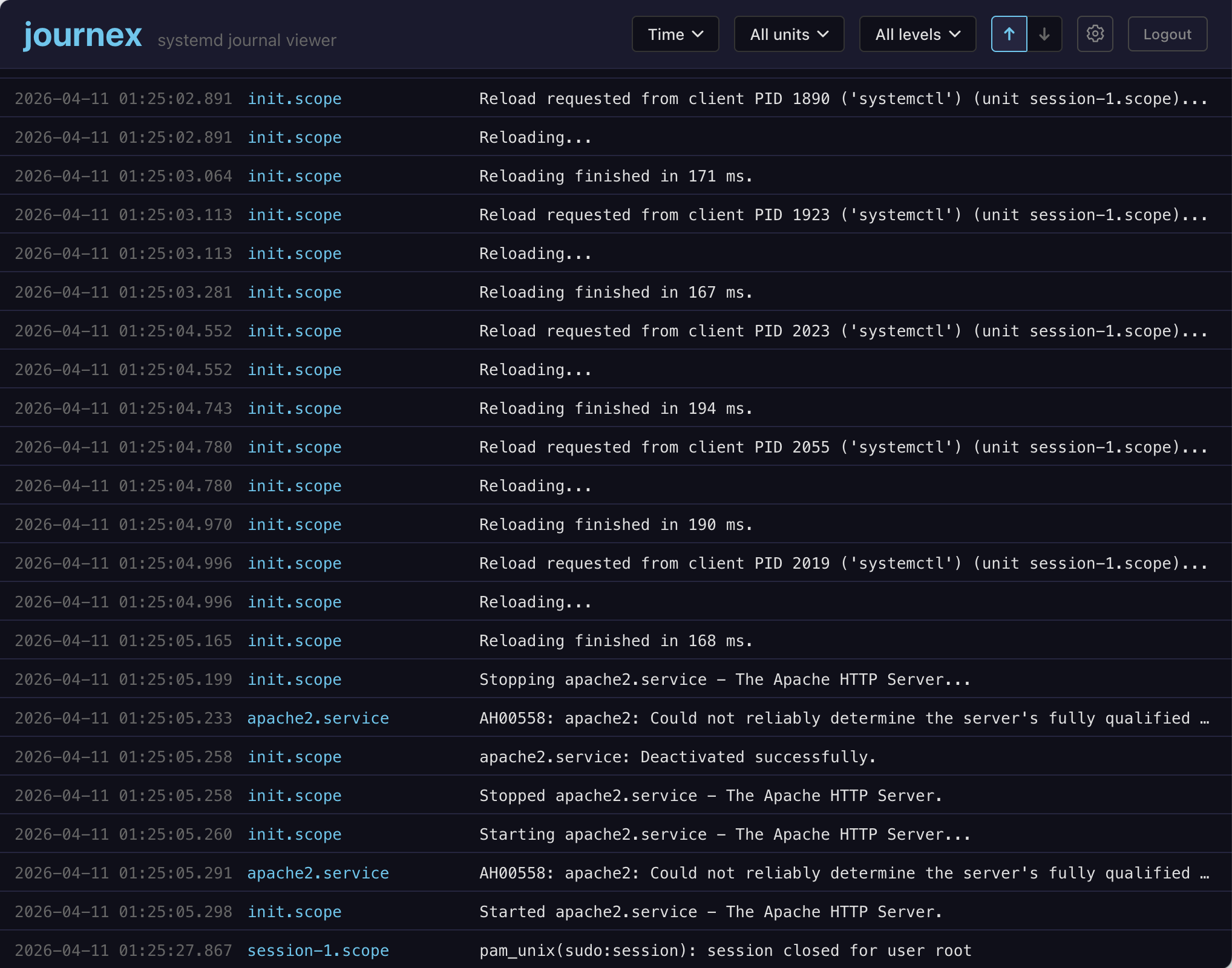
A web-based systemd journal viewer with a focus on performance and usability.
The project is currently in beta state and under active development.
Features
- Real-time log streaming
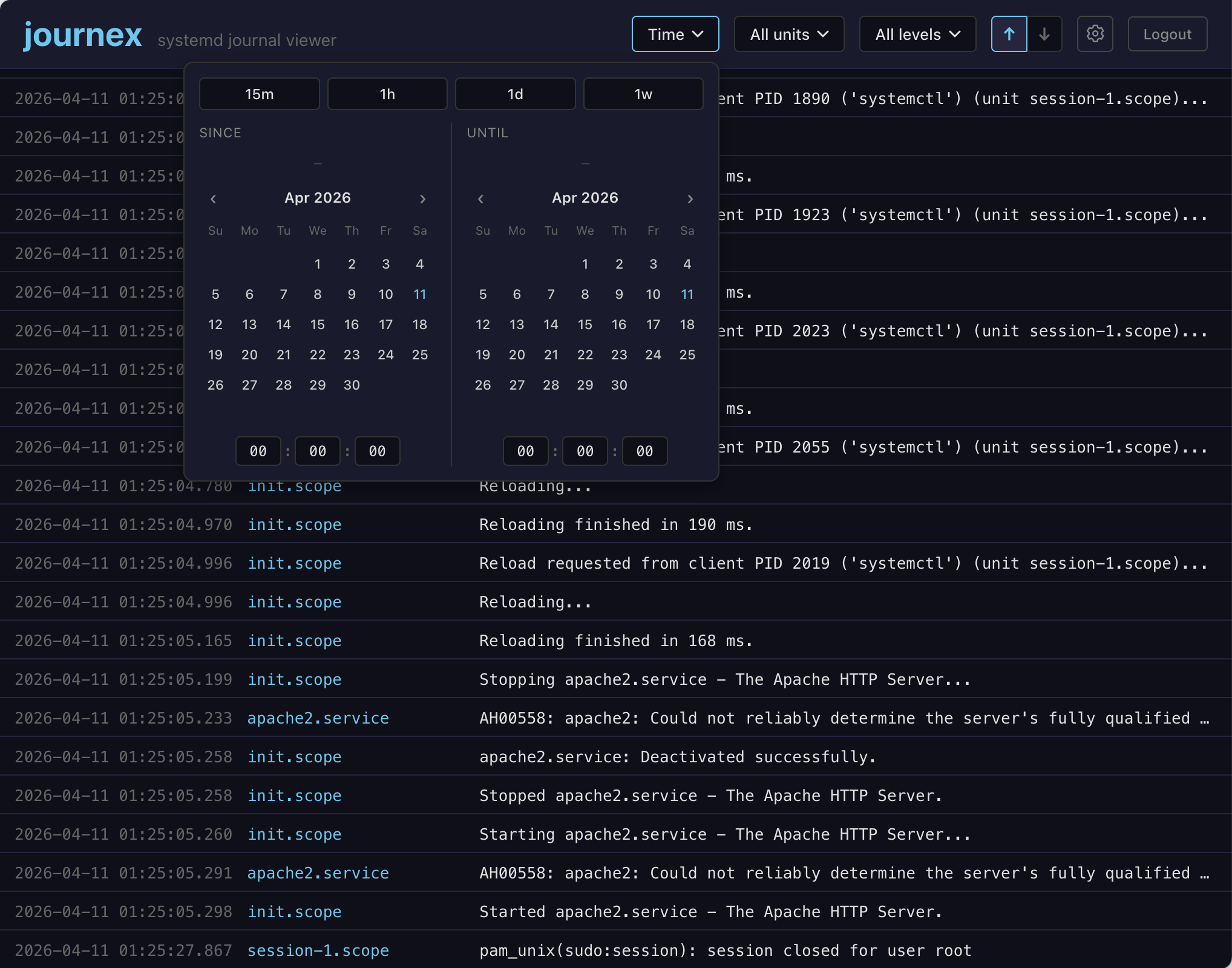
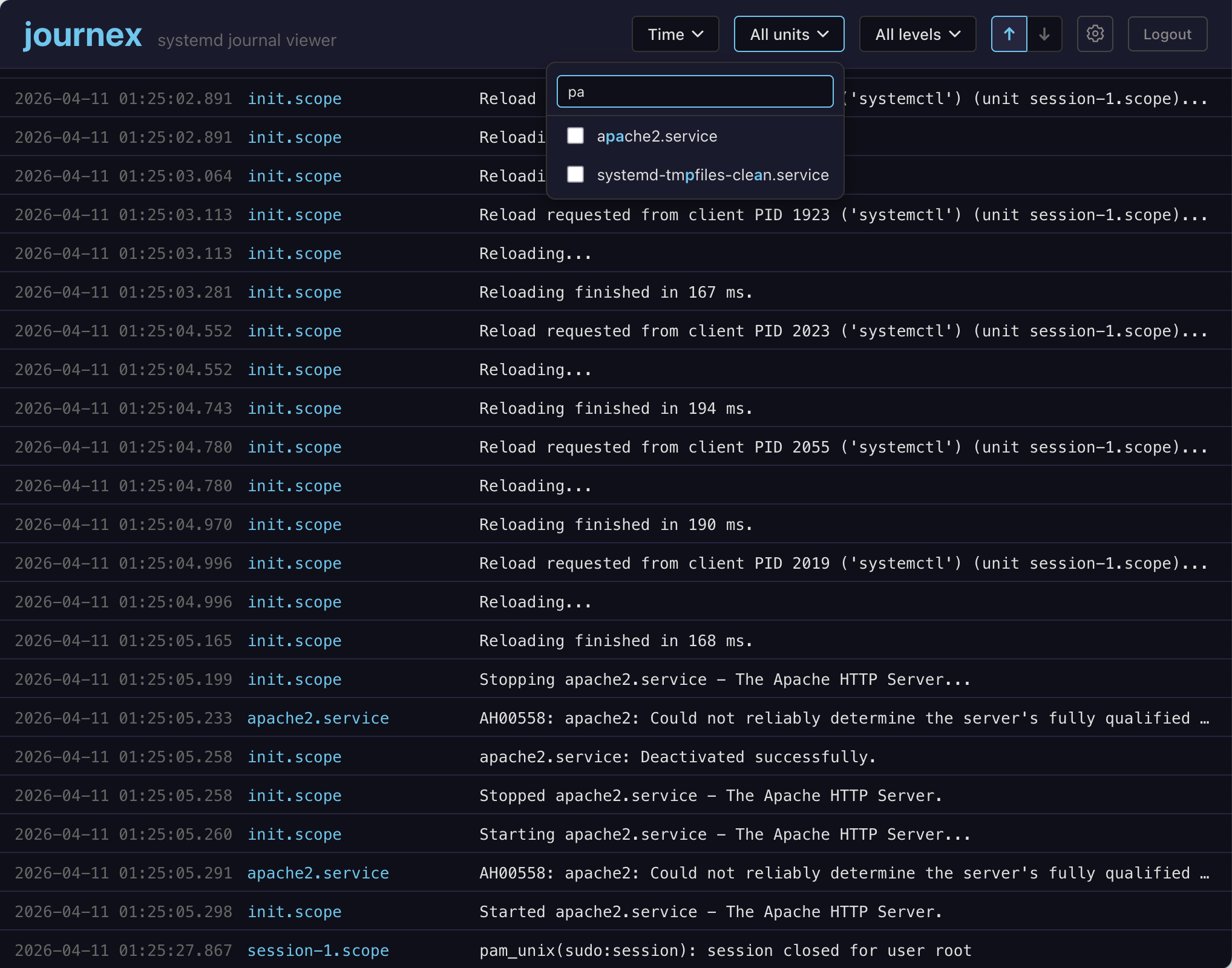
- Filter by systemd unit, priority, and time range
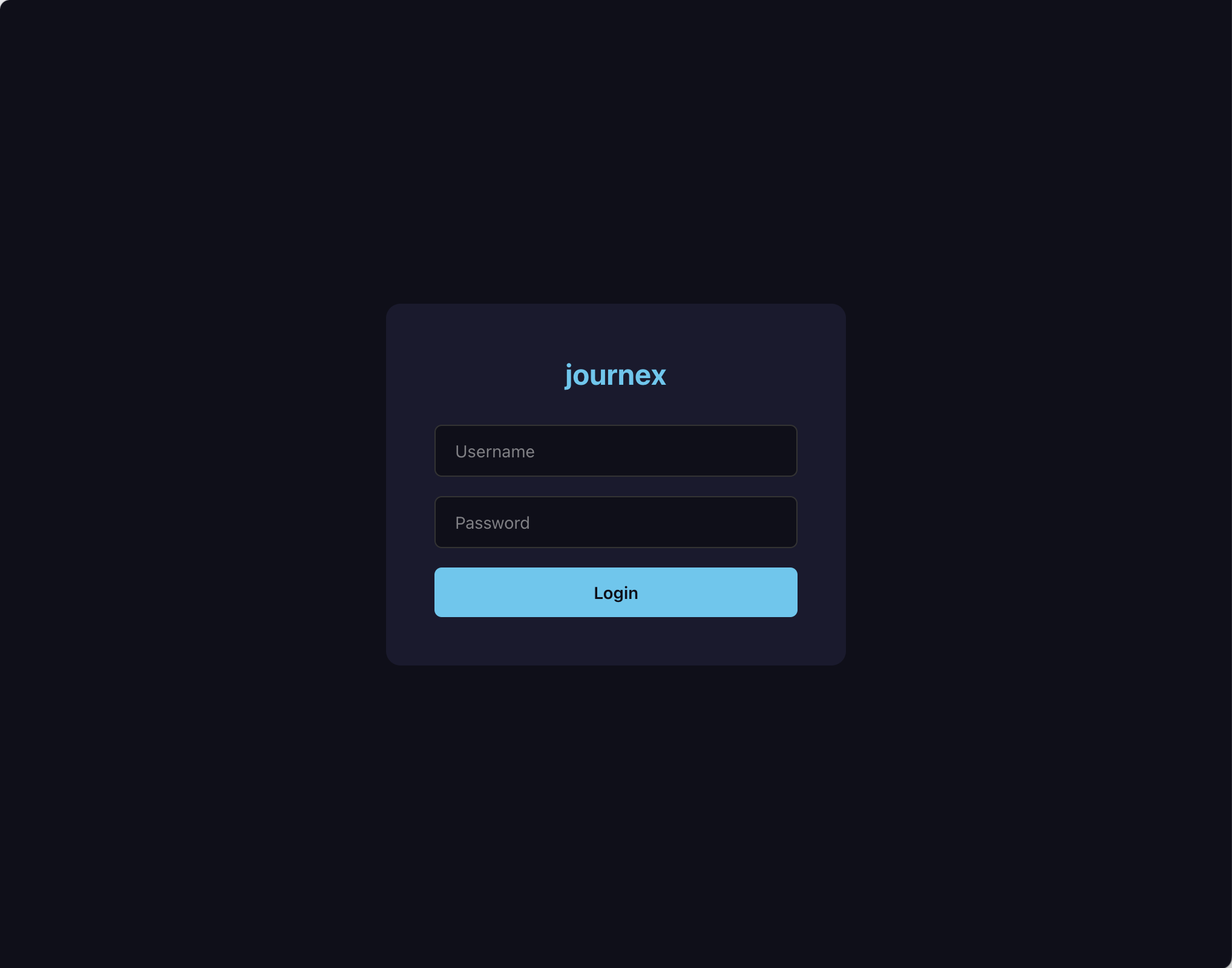
- Optional password-based authentication configurable via environment variables
- Single binary with embedded web frontend
- Detail panel (double click on a message)
- All journal fields available on demand
- Structured display of logfmt messages
- Mark/range selection with clipboard copy in journalctl format
Roadmap
The following features a planned:
- Text search and message-based log filtering
- Reading logs from docker containers
- Mobile-friendly UI
- Line wrapping (for now use the detail panel or enable horizontal scrolling in settings)
Installation and Setup
journex runs as a single server binary on amd64 and arm64 linux systems.
It serves the frontend via HTTP on port 8080 (configurable via the JOURNEX_PORT environment variable). HTTPS is explicitly not provided. If your server is exposed to the internet and/or you want to use HTTPs, you most likely already have a reverse proxy and certificate provisioning process set up, so you should integrate journex there (see Reverse Proxy Setup section below).
Basic usage (see next section regarding JOURNEX_NO_AUTH):
JOURNEX_NO_AUTH=1 ./journex
JOURNEX_NO_AUTH=1 JOURNEX_PORT=8080 ./journex
Then open http://localhost:8080 in your browser.
Authentication
Not everyone has an authentication service ready to go and Basic Auth provides a sub-par user experience. Therefore, journex provides a minimal single-user authentication implementation out of the box. Since journal data can be sensitive, authentication has to be disabled explicitly, if you do not want to use it. Otherwise, the username and password are configured via environment variables. Passwords can be pre-hashed to obfuscate them in configuration files.
# Disable authentication
JOURNEX_NO_AUTH=1 ./journex
# With plaintext password (hashed internally at startup)
JOURNEX_USER=admin JOURNEX_PASSWORD=mysecretpassword ./journex
# With pre-hashed password (recommended for production)
JOURNEX_USER=admin JOURNEX_PASSWORD_HASH=xxx ./journex
# To pre-hash your password use this command:
./journex hash-password mysecretpassword
Reverse Proxy Setup
journex uses WebSockets for live log streaming, so the reverse proxy must forward WebSocket upgrade requests correctly. The examples below proxy journex to http://127.0.0.1:8080. Replace the host names and upstream address to match your environment.
By default, journex expects to run at the root of an HTTP origin, such as https://journex.example.com. To serve it below a path such as https://example.com/journex, set JOURNEX_BASE_PATH=/journex and configure the reverse proxy to forward that same path prefix to journex. Do not strip the prefix in the proxy when JOURNEX_BASE_PATH is set.
Apache
Requires mod_proxy, mod_proxy_http, mod_proxy_wstunnel, mod_rewrite, and an SSL configuration such as Let's Encrypt.
<VirtualHost *:443>
    ServerName journex.example.com
    SSLEngine On
    SSLCertificateFile /etc/letsencrypt/live/journex.example.com/fullchain.pem
    SSLCertificateKeyFile /etc/letsencrypt/live/journex.example.com/privkey.pem
    ProxyPreserveHost On
    RewriteEngine On
    RewriteCond %{HTTP:Upgrade} =websocket [NC]
    RewriteCond %{HTTP:Connection} upgrade [NC]
    RewriteRule ^/(.*) ws://127.0.0.1:8080/$1 [P,L]
    ProxyPass / http://127.0.0.1:8080/
    ProxyPassReverse / http://127.0.0.1:8080/
</VirtualHost>
nginx
map $http_upgrade $connection_upgrade {
    default upgrade;
    '' close;
}
server {
    listen 443 ssl http2;
    server_name journex.example.com;
    ssl_certificate /etc/letsencrypt/live/journex.example.com/fullchain.pem;
    ssl_certificate_key /etc/letsencrypt/live/journex.example.com/privkey.pem;
    location / {
        proxy_pass http://127.0.0.1:8080;
        proxy_http_version 1.1;
        proxy_set_header Host $host;
        proxy_set_header X-Forwarded-For $proxy_add_x_forwarded_for;
        proxy_set_header X-Forwarded-Proto $scheme;
        proxy_set_header Upgrade $http_upgrade;
        proxy_set_header Connection $connection_upgrade;
    }
}
Traefik
Traefik handles WebSocket upgrades automatically when proxying the router to journex.
http:
  routers:
    journex:
      rule: Host(`journex.example.com`)
      entryPoints:
        - websecure
      tls:
        certResolver: letsencrypt
      service: journex
  services:
    journex:
      loadBalancer:
        servers:
          - url: http://127.0.0.1:8080
Caddy
journex.example.com {
    reverse_proxy 127.0.0.1:8080
}
Summary of Environment Variables
| Variable | Description |
|---|---|
JOURNEX_USER |
Username for authentication |
JOURNEX_PASSWORD |
Password (hashed at startup) |
JOURNEX_PASSWORD_HASH |
Pre-hashed password |
JOURNEX_NO_AUTH |
Disable authentication |
JOURNEX_PORT |
Server port (default: 8080) |
JOURNEX_BASE_PATH |
Public URL path prefix |
Either JOURNEX_USER with JOURNEX_PASSWORD or JOURNEX_PASSWORD_HASH, or JOURNEX_NO_AUTH, must be set.
Summary of Commands
./journex
./journex version
./journex hash-password mypassword
./journex --helpPurchase
In order to download this tool you must purchase it at or above the minimum price of $20 USD. You will get access to the following files: